Tool
Photo calendar maker
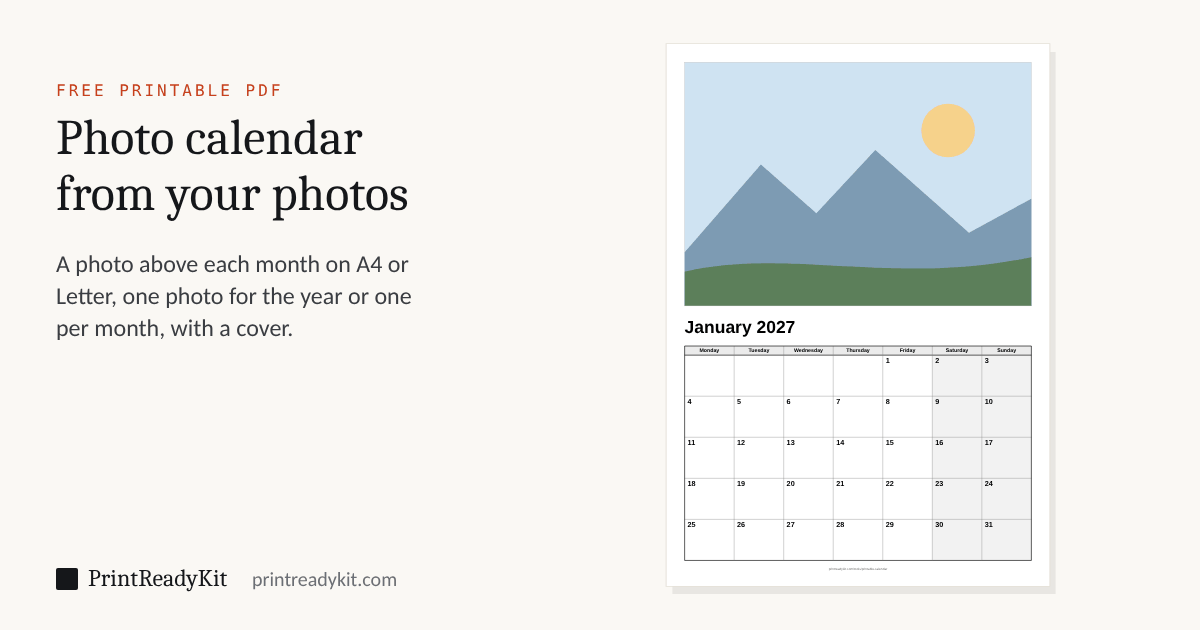
Make your own calendar with your photos and print it at home: a photo above each month, one photo for the whole year or a different one every month, with a cover if you like. A4 or US Letter, any starting month, with the public holidays of five countries if you want them. Free, and your photos never leave your device.
Your photos stay on this device: nothing is uploaded.
The PDF has 13 pages, the cover and a page per month. Print it at Actual size or 100% on A4 paper.
Choose a photo to make the PDF.
A photo calendar you print yourself
Photo calendars are usually ordered from a print shop and arrive a week later. This one is a PDF you print on your own printer tonight: each month under its photo, on A4 or US Letter, with a cover that names the year. Choose one photo for the whole year for a calendar that matches a room, or twelve, one for each month, for a gift. Fill crops each photo to its frame from the middle; Whole photo keeps it all.
Printing and binding
Print at Actual size on matte photo paper or heavy matte paper, so a pen writes on the month as well. Two staples at the top, a hole punch and a ring, or a binder clip all hang it; for a planner with a blank month on every page, the printable calendar has the same months without photos, a year on one page, and weekly and daily planner pages. Need it larger than the paper? The poster splitter prints a page across several sheets.
The link carries the settings only. Choose your pictures again on the other device: they never leave this one.
Frequently asked questions
How do I make a photo calendar to print at home?
Choose a photo for every month, or one photo for the whole year, pick the first month and the paper, and download the PDF: a page per month with the photo above the month, and a cover with the year if you want one. Print it at Actual size or 100% on A4 or US Letter, then staple, punch or ring-bind the pages at the top and hang it.
Are my photos uploaded?
No. The photos stay on your device: the preview shows them straight from the files you chose, and the PDF is made in your browser. Nothing is sent to a server, and a link made with “Continue on another device” carries the settings only, never a photo.
What size and quality are the photos in the PDF?
Each photo is cut to its frame and placed at about 220 dpi, the most a home inkjet shows on paper, so a phone photo prints sharp and a year of thirteen pages stays a PDF of a few megabytes. Fill crops the photo to the frame from the middle; Whole photo keeps all of it and leaves white either side. A photo of at least 2000 pixels on its long side fills an A4 or Letter frame at full quality.
What paper should I print a photo calendar on?
Matte photo paper or a heavy matte paper of about 160–200 gsm (60–75 lb) takes both the photo and the pen. Glossy photo paper makes the photos richer but most pens smear on it. Print one page on plain paper first to check that nothing is cut off, and set the printer to its photo or best quality.
Can I make a calendar that starts in any month?
Yes. Set the first month and the number of months: a school year from September, a gift that starts in January, or six months from now. The cover then names the months it covers. Weeks can start on Monday or Sunday, with or without ISO week numbers.
Can the photo calendar show public holidays or be in another language?
Yes, the same as the printable calendar: the holidays of the United States, Canada, the United Kingdom, Australia or Germany are named in their days, and the months and days can be printed in English, French or German.
Last updated