Tool
Passport photo maker
Turn a photo into a passport or visa photo at the official size — 2 × 2 in for the US, 35 × 45 mm for the UK, Europe, Australia and Japan, 33 × 48 mm for China — with the head at the height each country asks for. Print it at home, or as a single 4 × 6 in print at a photo kiosk. Your photo stays in your browser; nothing is uploaded.
35 × 45 mm · head 31.5–36 mm from chin to top of head · background plain and light — Poland requires white. Head 70–80% of the photo height (ICAO). Ireland takes printed photos with paper applications only.
Drop a photo here
JPEG or PNG · face the camera, plain light background · nothing is uploaded
Choose a photo and mark the top of the head and the chin to see it here.
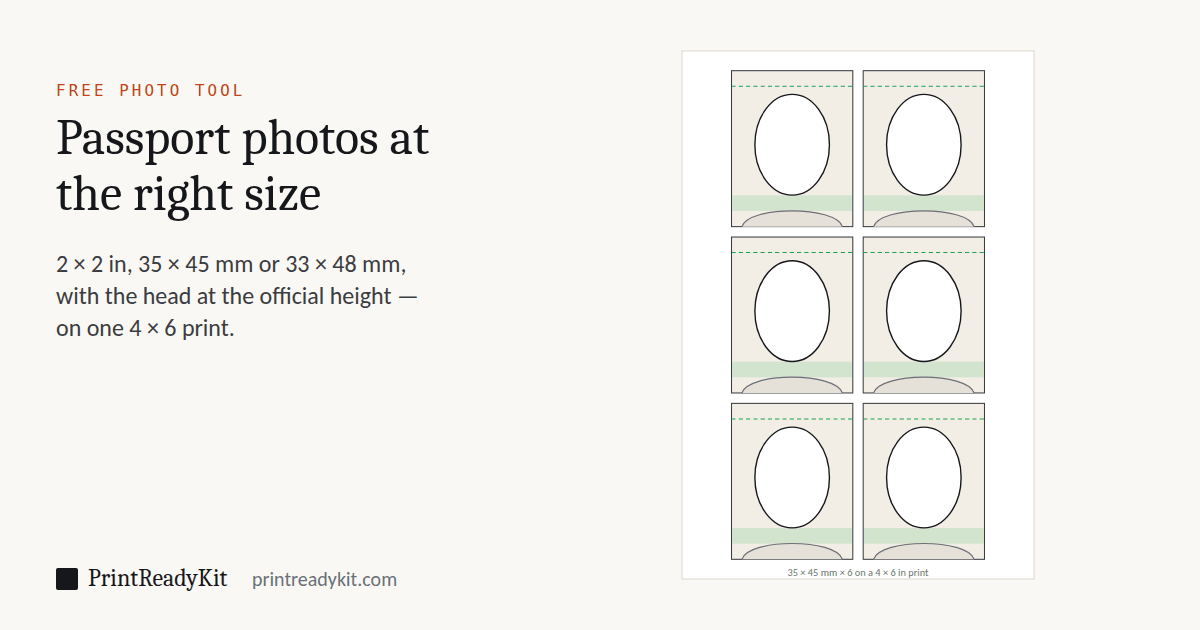
6 photos on one 4 × 6 in print, with corner marks to cut along.
25 photos on one A4 sheet. Print at 100% (Actual size) on photo paper.
Check the official rules before you print. This tool sets the size and head position from published figures; it cannot check lighting, background, expression or anything else an officer looks at, and rules change. The issuing authority decides whether a photo is accepted — official requirements for this document. PrintReadyKit is not affiliated with any government and is not responsible for rejected photos, fees or delays (terms).
How to make a passport photo at home
- Take the photo against a plain light wall, in even light from a window, with someone else holding the phone at head height. Head and shoulders in frame, looking straight at the camera, mouth closed.
- Choose the country and the photo. Click the top of the head, then the chin.
- Check the preview: the chin must sit inside the shaded band. Nudge if the head is off-centre.
- Print the 4 × 6 in sheet at a photo kiosk with cropping off, or the PDF at home on photo paper at 100% — the actual size guide shows where the setting is.
- Measure one photo before you cut them all: it must be exactly the size above. A printed ruler that has passed its own check line is enough.
Passport photo sizes by country
From each government’s own page, read on 28 September 2026. Head height is from the bottom of the chin to the top of the head. Rules change: check the linked page before you apply.
| Document | Photo size | Head height | Background | Source |
|---|---|---|---|---|
| US passport, US visa (printed photo) | 50.8 × 50.8 mm (2 × 2 in) | 25.4–34.9 mm | white or off-white | travel.state.gov, 2 |
| UK passport, paper application forms | 35 × 45 mm | 29–34 mm | plain cream or light grey | gov.uk |
| Schengen visa, Italy, Poland, Ireland (paper forms), and other 35 × 45 mm photos | 35 × 45 mm | 31.5–36 mm | plain and light — Poland requires white | icao.int, 2, 3, 4 |
| Australian passport | 35 × 45 mm | 32–36 mm | plain white or light grey | passports.gov.au |
| Japanese passport | 35 × 45 mm | 32–36 mm | plain, white recommended | sf.us.emb-japan.go.jp |
| Dutch passport and ID card, age 11 and over | 35 × 45 mm | 26–30 mm | light grey, light blue or white | rijksoverheid.nl |
| Singapore passport | 35 × 45 mm | 25–35 mm | white | apples.ica.gov.sg |
| Chinese passport, Chinese visa | 33 × 48 mm | 28–33 mm | white | es.china-embassy.gov.cn, 2 |
| Indian passport through a consulate | 50.8 × 50.8 mm (2 × 2 in) | 35.6–40.6 mm | light | cgisf.gov.in |
Not offered, because a home print will not do: Germany takes no paper photos since 1 May 2025 (the photo is taken at the office or sent digitally by a certified studio); Canada and France require a professional photographer or an approved booth; Mexico, Brazil and Malaysia photograph you when you apply; Greece uses a digital photo inside the country.
Official requirements come first
PrintReadyKit is an independent site. It is not affiliated with, endorsed by or acting for any government, passport office, embassy, consulate or visa centre. The figures on this page are copied from the official pages linked in the table and were correct when read, but requirements change without notice and can differ by consulate, by age and by how you apply.
Before you print, open the official page for your document and check the photo against all of it. The tool is provided as is, without any guarantee that a photo will be accepted; you use it at your own risk. We are not liable for a rejected photo or application, fees, delays, missed travel or any other loss. If an official page disagrees with this one, the official page is right — please tell us so we can correct it. Full wording in the terms of use.
The link keeps the country and print sizes. Your photo never leaves this device.
Frequently asked questions
Can I print a passport photo at home?
For the countries listed here, yes, as long as the print is sharp, on photo paper and the right size. Print the PDF at 100% (Actual size), or print the 4 × 6 in sheet at a photo kiosk or lab, which gives a proper photographic print for the price of one snapshot. Australia asks for a photographic print rather than inkjet, so use a lab there. Germany no longer accepts paper photos, Canada and France require a professional photographer, and the UK, Ireland and New Zealand want a digital photo for online applications.
How do I print the 4 × 6 sheet at CVS, Walgreens, Boots or a photo kiosk?
Order it as an ordinary 4 × 6 in (10 × 15 cm) print from the JPEG, and turn off any automatic crop or “fill” option so the kiosk prints the whole image. The sheet is already exactly 4 × 6 in at 300 pixels per inch, so each photo on it comes out at the official size. Cut along the corner marks.
Does this check that my photo will be accepted?
It checks the geometry: the photo size, the height of the head from chin to crown, and where the head sits in the frame, against the numbers each government publishes. It cannot judge what an officer looks at next — even lighting, a plain background, a neutral expression, both eyes open, no shadows, no glasses where they are not allowed. Those are up to the photo you take. Nothing is uploaded, so nothing is checked by anyone but you.
How do I take a passport photo with a phone?
Stand about a metre and a half in front of a plain light wall, facing a window so the light is even, with nothing behind you. Have someone else take it at head height, not from below, with the phone upright and the whole head and shoulders in the frame. Look straight at the camera with a neutral expression and your mouth closed. Use the main camera, not the selfie camera and not portrait mode, which blurs and bends the edges of the head.
Why does it ask me to click the top of the head and the chin?
Because every rule is written in those two points. The US asks for 1 to 1⅜ in from chin to the top of the head, the UK 29 to 34 mm, the Netherlands 26 to 30 mm. Two clicks tell the tool how many pixels that is in your photo; from there it scales and crops so the head comes out inside the range, centred between your two marks. The top of the head means the top of the skull or the hair on it, not a hat or a hairstyle piled high.
Who is responsible if my photo is rejected?
You are, and the authority that issues the document decides. PrintReadyKit is an independent site, not affiliated with any government, passport office, embassy or visa centre. The sizes here are copied from official pages, but rules change and officers judge more than size, so check the official page for your document before you print and use the photo at your own risk. We do not guarantee acceptance and are not liable for a rejected photo, application fees, delays or travel costs.
Why is the background not changed?
Because cutting a person out of a photo convincingly needs an AI model, and a background that has been cut out badly — a halo round the hair, a missing ear — is one of the reasons photos are rejected. It is quicker and safer to take the photo against a plain light wall in the first place. Most countries accept white, off-white or light grey.