Tool
Storyboard template generator
Printable storyboard sheets with frames in the shape of your screen — 16:9, cinema, 4:3, square or phone — and lines for notes under each, or blank comic pages and strips with even gutters. Up to 20 numbered pages, A4 or US Letter.
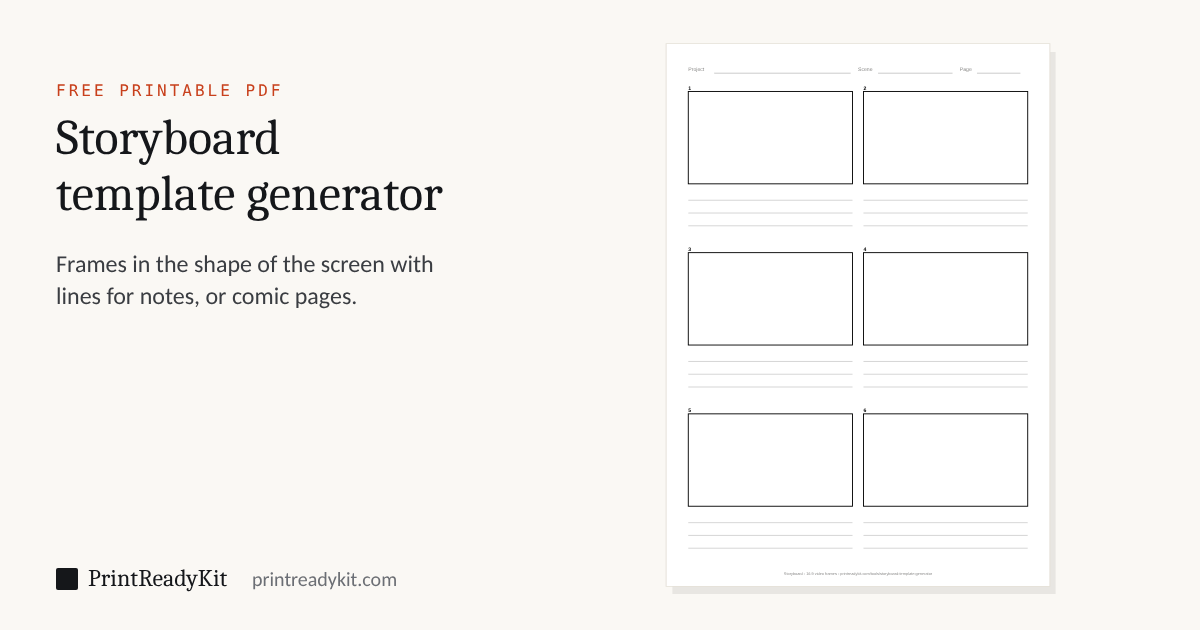
6 frames a page, 1 page.
Frames in the shape of the screen
A storyboard frame should have the proportions of the finished picture, so what is drawn in it is what the camera will see: 16:9 for most video and television, 2.39:1 for widescreen cinema, 9:16 for phone video and stories, 1:1 for square posts. Each frame here is drawn at that exact ratio, as wide as the columns allow. For a comic, the gutters between panels are kept even, 4 mm, so the page reads cleanly. To plan the sheets for a printed booklet, see the zine maker.
Keeps these settings in the link. Useful for moving from a phone to the computer with the printer on it.
Frequently asked questions
How do I make a printable storyboard template?
Choose Storyboard, the shape of the frames — 16:9 for video, 2.39:1 for cinema, 4:3, square, or 9:16 for phone video — how many go across, and how many writing lines go under each frame for action, dialogue and camera notes. The page fills with as many rows as fit; download the PDF with up to 20 pages, numbered in the header.
How many frames fit on a page?
It depends on the frame shape and the lines: 16:9 frames two across with three lines give six frames on A4 portrait; three across in landscape with no lines give nine. The summary under the settings says how many your choice gives, and the frames are numbered on every page.
Can I make a comic strip or comic book page?
Yes: choose Comic. There are 3- and 4-panel strips (four strips a page), 6- and 9-panel grids, a page with a wide panel on top and four below, and a mixed 7-panel page, all with even white gutters between panels — draw straight in, or trace over it.
What paper should I use?
Plain printer paper is fine for planning; 100–120 gsm takes markers and ink without showing through, and a light card for finished comics. Print at actual size (100%) so the frames keep their shape.
Last updated